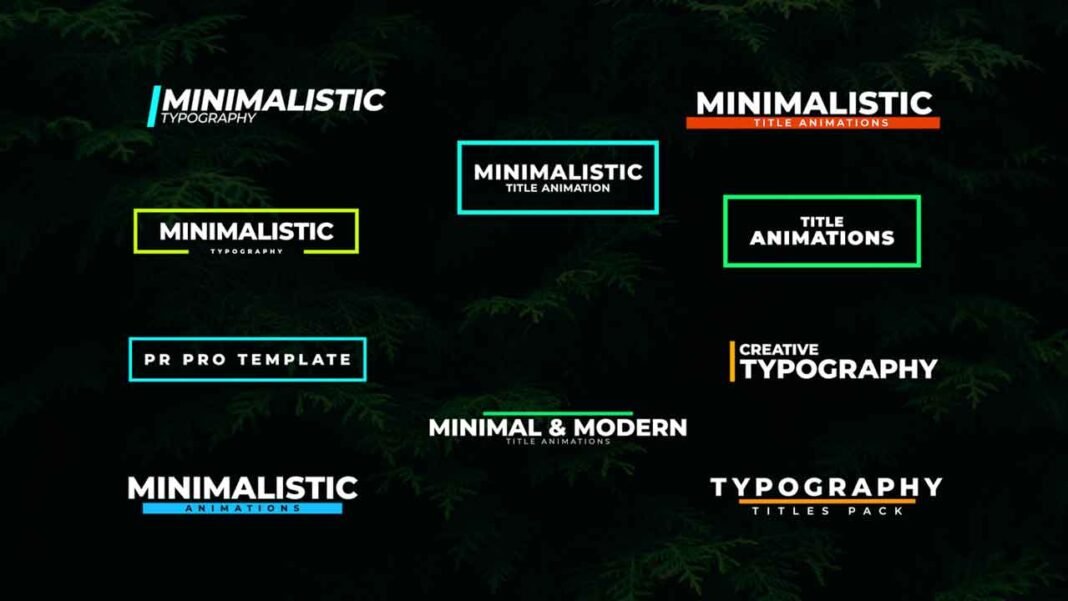

10 Free title animation pack is a modern, clean and elegant Adobe Premiere Pro Motion Graphics Templates. These templates are well organized and added all-important controllers to change color, font, position, and scale. Give your videos a premium look by adding these title animations.All the parameters of this Uniquely Designed Template can be edited and used as an overlay in your videos within seconds.
How to edit Free Modern and clean title animation templates in Adobe Premiere Pro.
I have already made a video on how to edit these templates. You will find the YouTube video link below. Download the template from the link given below.
Requirements:
- Adobe Premiere Pro CC 2019 or above versions.
- Montserrat font is required for this pack.
Features:
- Supports all resolutions.
- Super easy to use.
- No need of After Effects.
- Drag and drop.
- Easy to change text/color/font/position/scale.
- Fast render.
- used free font.
- Font Changing feature.
License Info:
- You may use this template for any of your videos, projects, or presentations.
- This template can be used for private and commercial uses as well.
- You can share this template with anyone, as well as on social media through posts, videos, etc.
- Re-uploading and selling of these templates are not allowed.
How to edit and use Free Modern and clean title animation Templates in Adobe Premiere Pro(Video Tutorial Guide):
How to download Free Modern and clean Title animation Templates :
You can download the template pack from the link given. Click on it and you will redirect to Google Drive or Mediafire. You can easily download it from there.