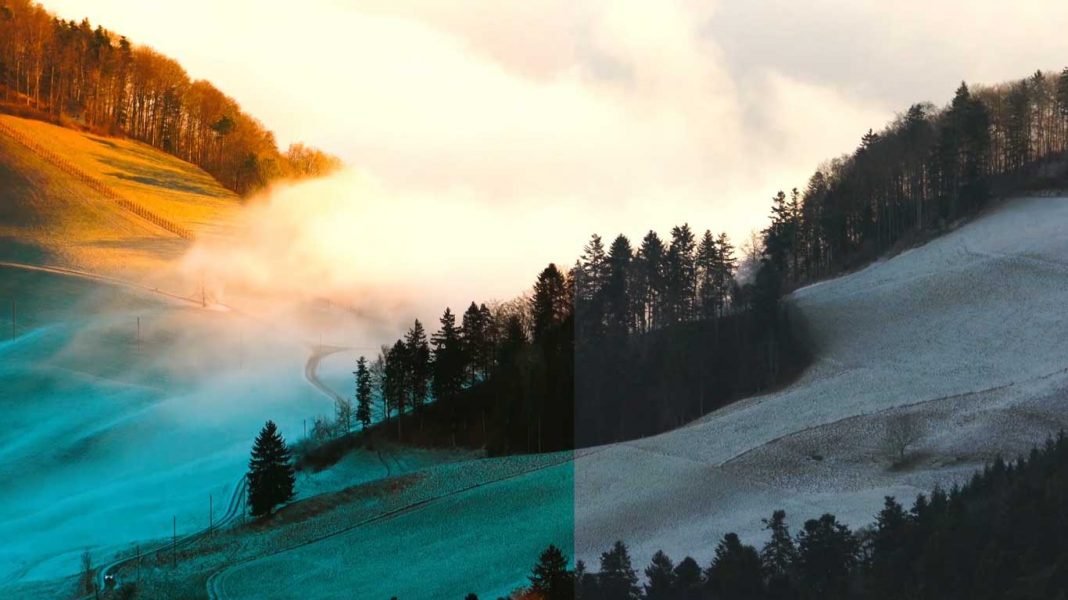

Looking for free Instant Color grading Presets pack to change the overall look of your next project. This color grading presets pack works best in Adobe Premiere Pro.
How to use Color Grading Luts Presets in Adobe Premiere Pro:
Download the zip file from the link given below.
Extract the zip file using “WINZIP”, “WINRAR” or any other software you have.
Import preset pack through effects panel in Premiere Pro.
Apply preset directly on footage or take adjustment layer, Place it above the video and apply preset on adjustment layer.
Requirements:
- Premiere Pro CC 2015 and Above.
Features:
- Simple to use.
- Drag and Drop.
- Support all resolutions.
- Video tutorial.
This Pack Includes:
- 20 Presets
- Cinematic look.
- Hollywood style presets.
- Cinematic style presets.
- Warm style presets.
- Urban style presets.
How to use 30 Free Cinematic Color Grading Presets(Video Tutorial Guide):
How to Download:
You can download these transitions from the link given. Click on it and you will redirect to Google Drive or Mediafire. You can easily download it from there.