
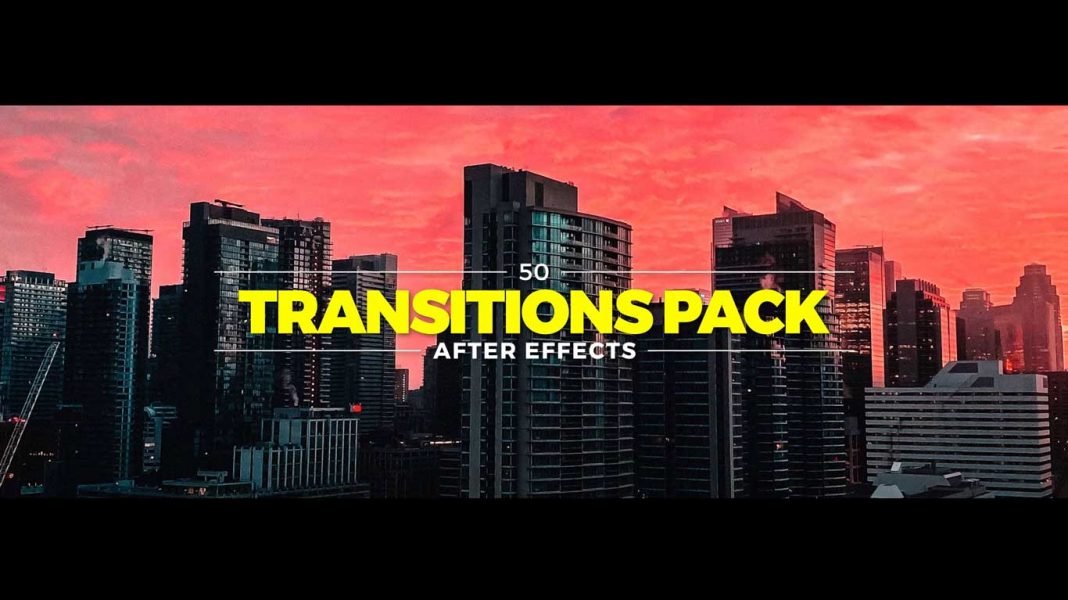

50 Smooth transitions pack is a versatile After effects Template. Give your video an elegant and professional look with these transitions. These Transitions are uniquely designed and very simple to use. It won’t require any plugins.
How to use 50 Transitions Pack in Adobe After Effects:
Download the zip file from the link given below.
Extract the zip file using “WINZIP”, “WINRAR” or any other software you have.
Open Project in After effects.
Import images and profile photos.
Edit Texts.
Render It.
Requirements:
- Adobe After Effects CC 2014 or Above versions.
Features:
- Simple to use.
- Drag and Drop.
- Support all resolutions.
- No Plugins required.
- Video tutorial.
Tutorial Video:
How to Download:
You can download these transitions from the link given. Click on it and you will redirect to Google Drive or Mediafire. You can easily download it from there.