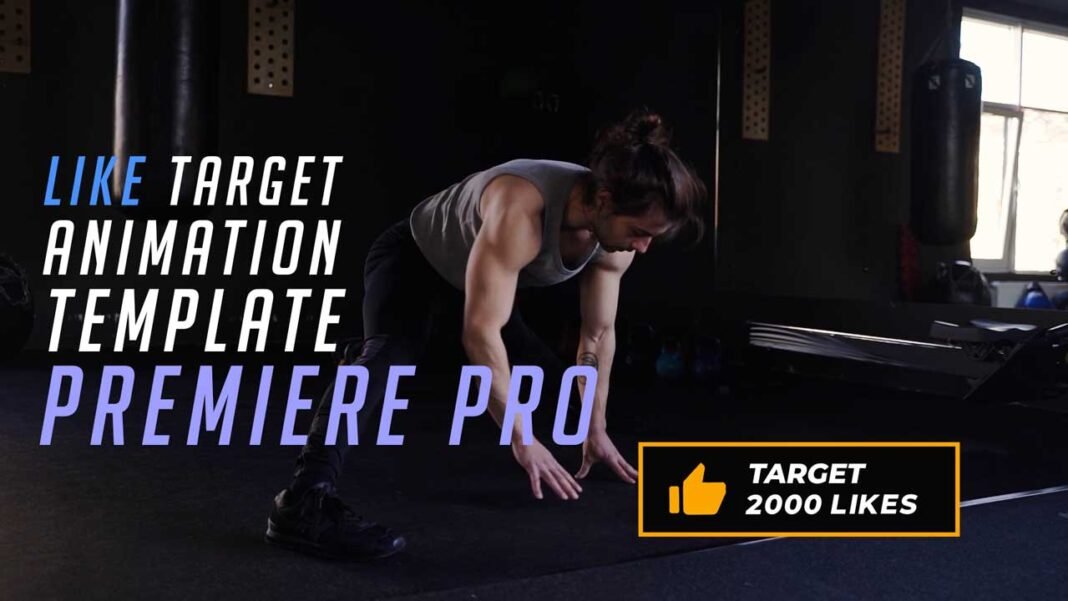

Free Like target animation template for Adobe Premiere Pro is a very useful template for those who want to set like target for their youtube or Facebook videos. You can freely customize each element in the Like target animation to match them up towards your style.
Main Features:
- Text & Video Tutorial (HD) Guide Included Down below for Addition Preference.
- Each Element can be easily customized within a matter of a few seconds.
- No Plugins Required.
- Links for Free Fonts included in the requirements section below.
- Drag & Drop Template.
- Supports all resolutions.
- User-friendly template.
- Renders quickly, so that not even a single second of yours goes to waste.
- These templates can be used if you have Premiere Pro 2018(12.1) or above.
- In the standard format of MOGRT.
Requirements:
- Premiere Pro CC 2018(12.1) or above.
- Any extracting software (like Winrar) for extracting the .zip folder.
- Fonts Requirements:
Supportive Resolutions:
- Full HD – 1920×1080
- HD – 1280×720
- Instagram – 1080×1980
- 4K – 3840×2160
How to Edit and Use:
- Download the .zip file from the link given below in the “How to Download” Section.
- Extract the zip file using “7-ZIP”, “WINRAR” or any other software you have.
- Import the Like target Animation Template into Premiere Pro through the Install Essential Graphics Template option in the Essential Graphics Panel.
- Create a sequence with a resolution of your own choice.
- Then Drag & Drop the Like Target Animation Template from the Essentials Graphics Panel on the timeline.
- Finally, Select the Like target animation template in the timeline & Do all the editing you want with this template in the Essential Graphics Panel. (It’s that SIMPLE!)
License Info:
- You may use this template for any of your videos, projects, or presentations.
- This template can be used for private and commercial uses as well.
- You can share this template with anyone, as well as on social media through posts, videos, etc.
- Re-uploading and selling of these templates are not allowed.
How to Edit and Use Like Target Animation Template in Adobe Premiere Pro (Video Tutorial Guide):
How to Download Like Target Animation template:
You can download this template from the download button given below. Click on it and you will be redirected to Google Drive or Media fire. You can download it from there and bring it to your next project or video easily in a matter of few seconds.