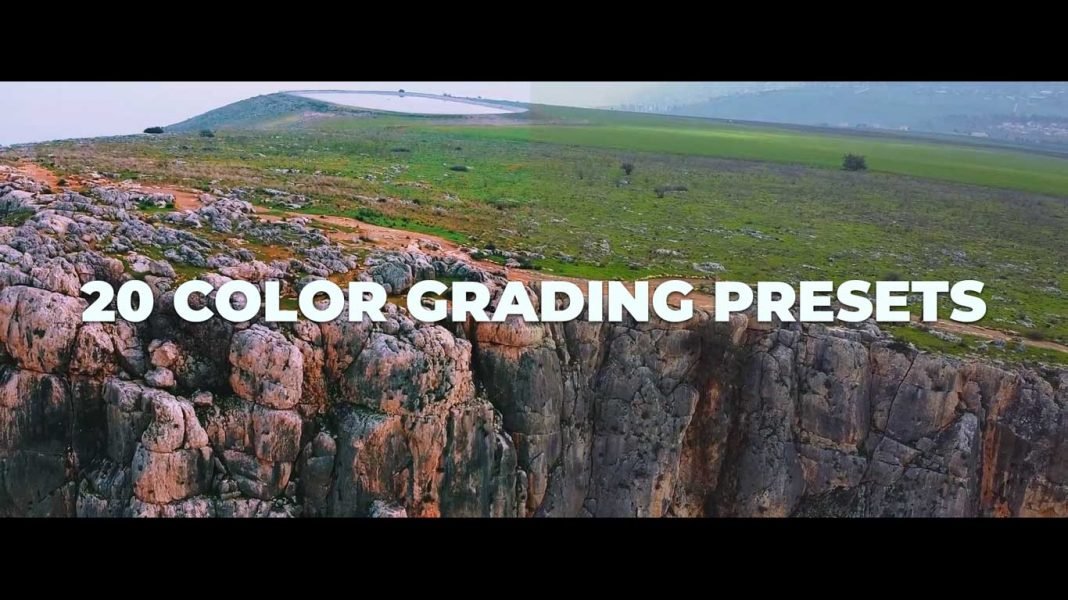
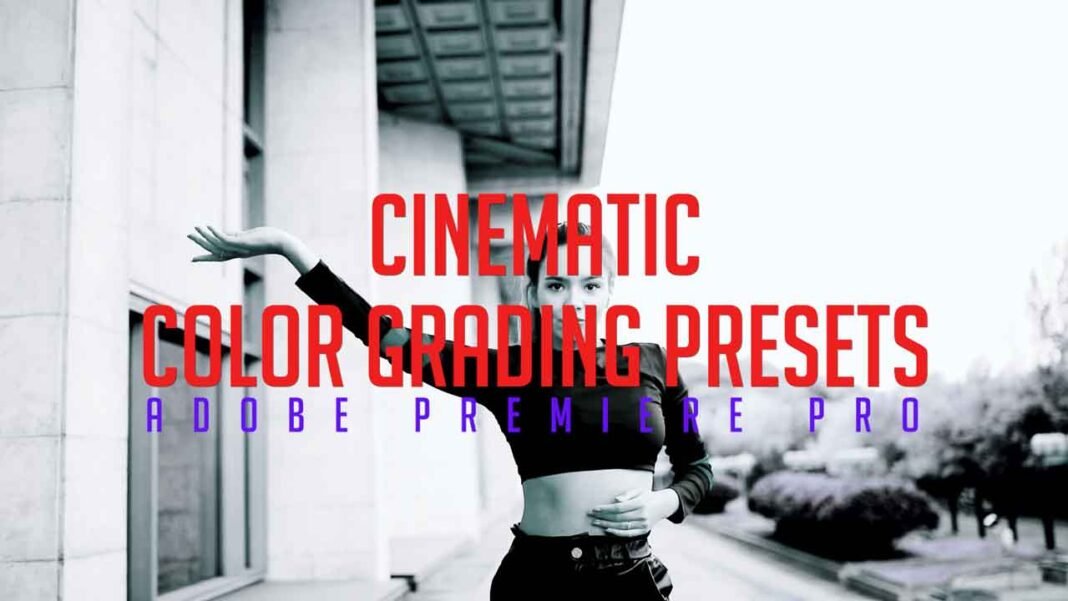

If you want to make the look of your footage cinematic then this Color grading Preset is an awesome pack for you. This pack contains 5 cinematic presets. Give your footage a modern and cinematic look using this Preset Pack.
How to use Color Grading Luts Presets in Adobe Premiere Pro?
- Download the zip file from the link given below.
- Extract the zip file using “WINZIP”, “WINRAR” or any other software you have.
- Import preset pack through effects panel in Premiere Pro.
- Apply preset directly on footage or take adjustment layer, Place it above the video and apply preset on adjustment layer.
Requirements:
- Premiere Pro CC.
Features:
- Simple to use.
- Drag and Drop.
- Support all resolutions.
- Video tutorial.
This Pack Includes:
- 5 Presets
- Cinematic look.
- Hollywood style presets.
- Cinematic style presets.
How to use Cinematic Color Grading Presets(Video Tutorial Guide):
How to Download:
You can download these transitions from the link given. Click on it and you will redirect to Google Drive or Mediafire. You can easily download it from there.