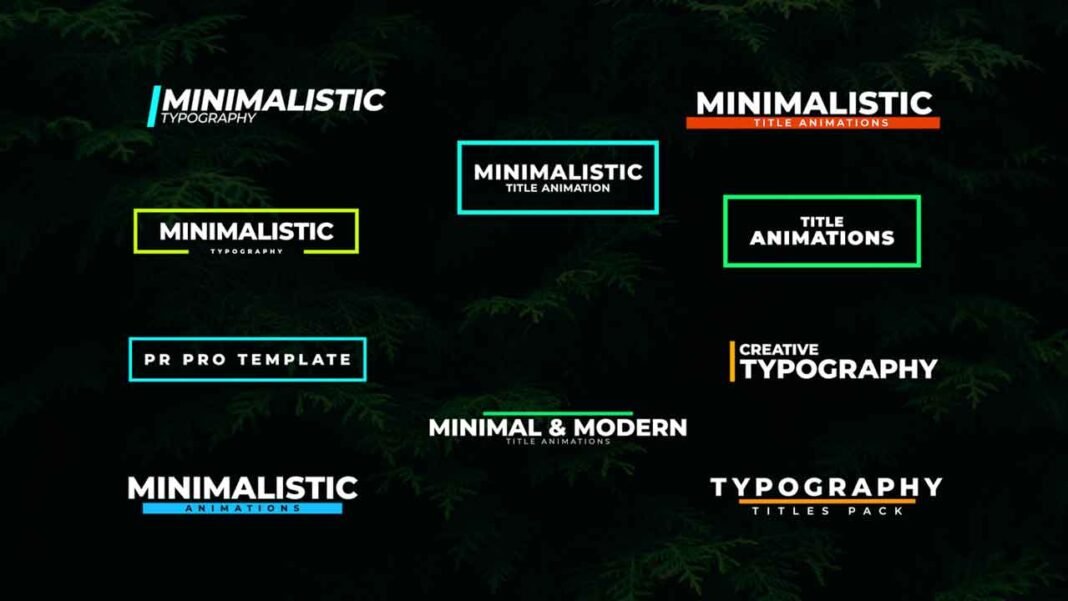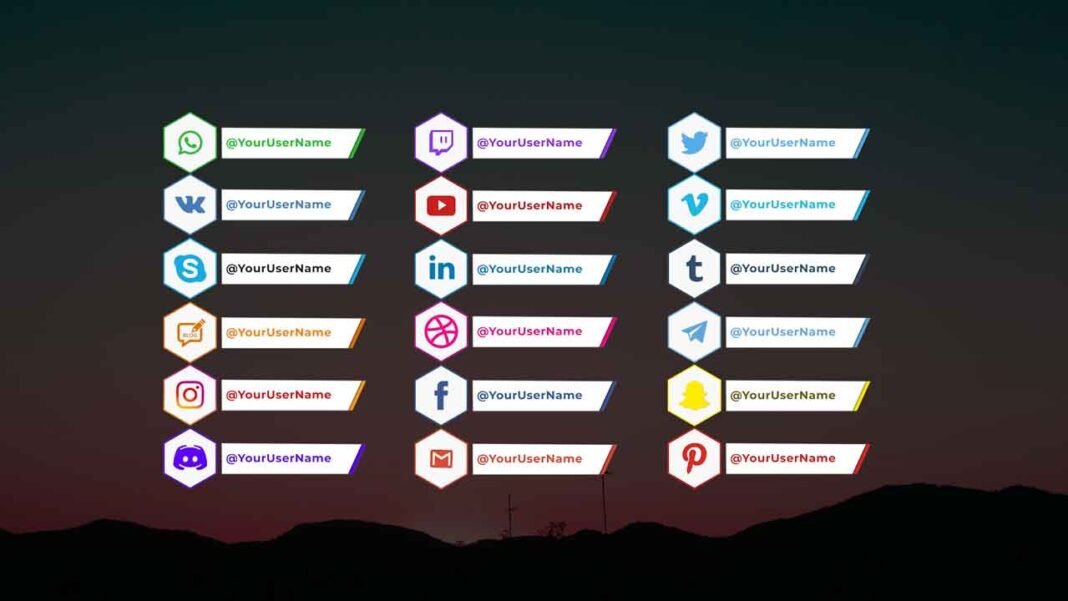
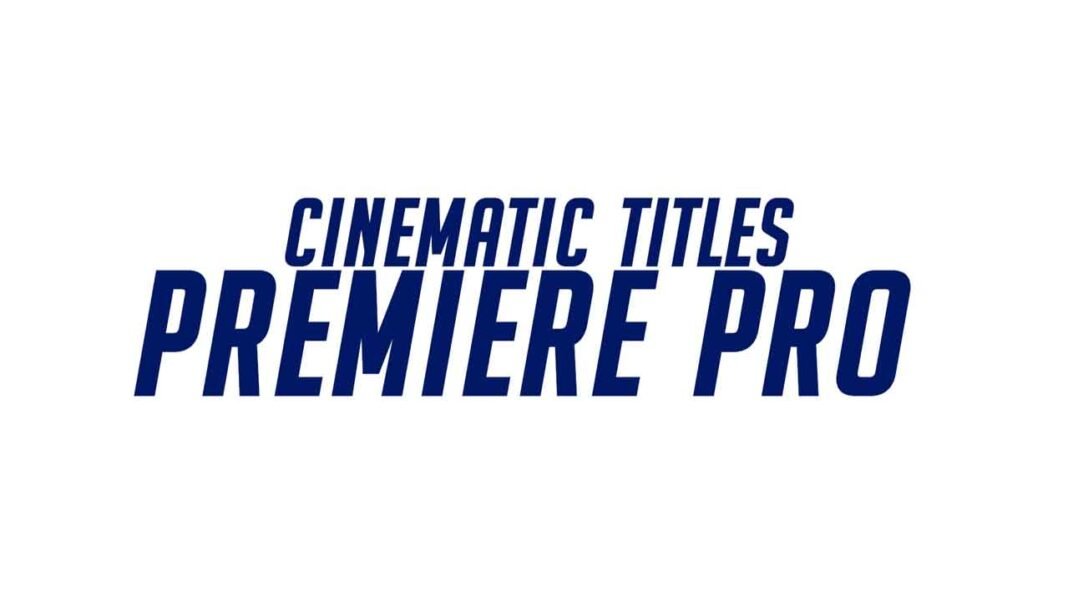

These Cinematic Titles Premiere Pro Motion Graphics Templates are designed for a cinematic look and will be perfect if you are looking to create short films. It includes templates that will make your video look aesthetic and enlightening no matter what type of videos you make. These types of titles are great for giving a strong message to your audience. Hiring a Motion Graphic Designer to create professional-quality titles for your videos can be extremely expensive. Save on costs now by downloading the Cinematic Titles Template for Adobe Premiere Pro for Free. This template is user-friendly and can be used by anyone even if you have no experience in editing. Scroll down further for the download link as well as a complete tutorial guide video to get you started, no matter what!
Main Features:
- Simple to use.
- Drag and drop.
- No Plugins required.
- 4K Compatible
- Supports all resolutions.
- Works with all media.
- User-friendly template.
- Renders quickly, so that time won’t be wasted.
- These templates can also be used even if you have Premiere Pro 2019 (13.1) or above.
- Video Tutorial Guide included as well for extra reference.
- In the standard format of MOGRT.
Requirements:
- Premiere Pro CC 2019 or above.
- Any extracting software (like Winrar) for extracting the .zip folder.
Fonts Requirements
Supportive Resolutions:
- Full HD – 1920×1080
- HD – 1280×720
- Instagram – 1080×1980
- 4K – 3840×2160
How to Edit and Use:
- Download the .zip file from the link given below in the “How to Download” Section.
- Extract the zip file using “7-ZIP”, “WINRAR” or any other software you have.
- Create a sequence with a resolution of your own choice.
- Import the Cinematic Title Templates into Premiere Pro by right-clicking the Essential Graphics Panel and selecting manage additional folders.
- Click on Add and browse towards the destination of the downloaded and extracted folder.
- Then click on Select Folder and Drag & Drop any of the Cinematic Titles from the Essentials Graphics Panel onto the timeline.
- Finally, Select the Cinematic Title Templates for Adobe Premiere Pro in the Timeline & Do all the editing you want with this template in the Essential Graphics Panel. (It’s that SIMPLE!)
License Info:
- You may use this template for any of your videos, projects, or presentations.
- This template can be used for private and commercial uses as well.
- You can share this template with anyone, as well as on social media through posts, videos, etc.
- Re-uploading and selling of these templates are not allowed.
How to Edit and Use Cinematic Titles Template (Video Tutorial Guide):
How to Download Cinematic Title templates:
You can download the Cinematic Titles Premiere Pro Motion Graphics Templates from the link given below. Click on it and you will be redirected to Google Drive or Media Fire. You can easily download it from there for free.