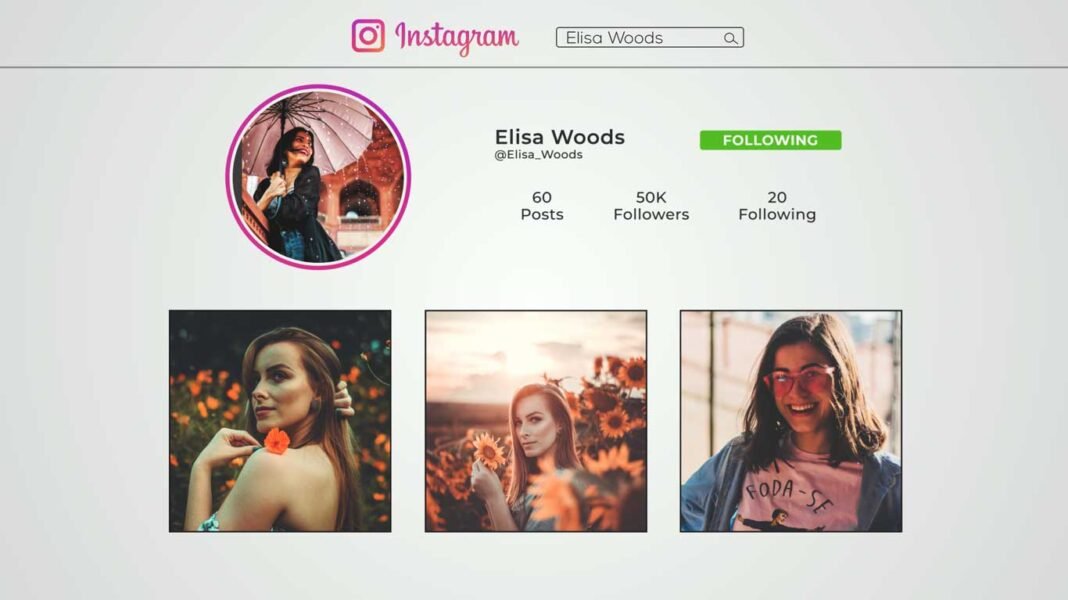

Instagram outro is clean and creatively animated After Effects template. You can promote your Instagram page by using this outro template. This template is very easy to use, simply place your image and profile photo, edit text, and render it. Impress your audience with this creatively designed After Effects Template.
How to edit Instagram outro template in Adobe After Effects:
Download the zip file from the link given below.
Extract the zip file using “WINZIP”, “WINRAR” or any other software you have.
Open Project in After effects.
Import images and profile photos.
Edit Texts.
Render It.
Requirements:
- After Effects 2014 or above.
- Montserrat font.
Features:
- Very easy to use.
- No Plugins required.
- Supports Full HD resolution.
- Video tutorial.
- Fast Render.
How to edit and use Instagram outro template in Adobe After Effects:
How to Download:
You can download these transitions from the link given. Click on it and you will redirect to Google Drive or Mediafire. You can easily download it from there.