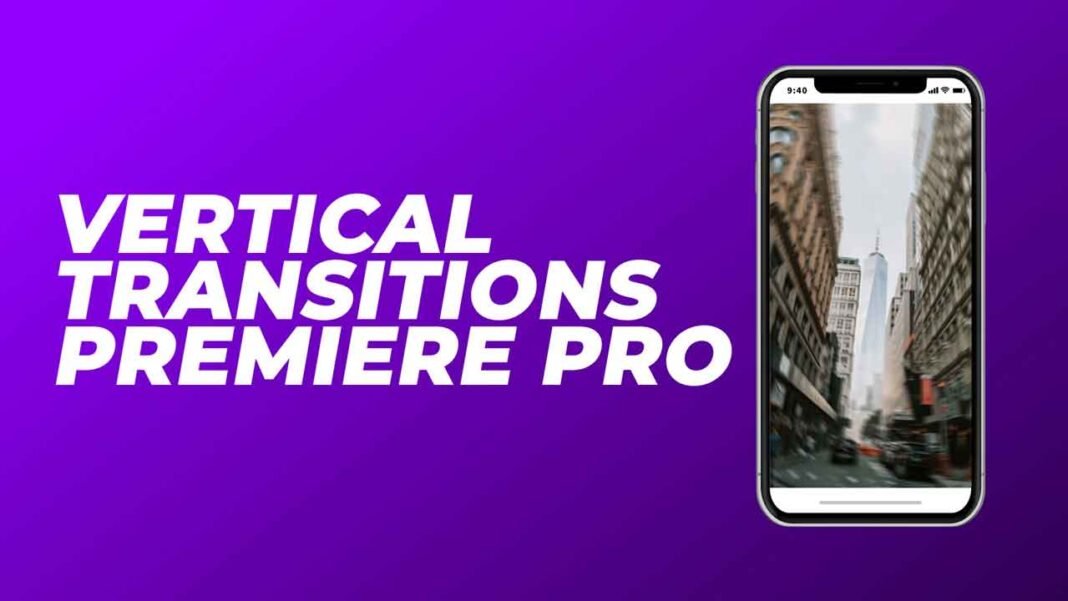

These free vertical transitions presets pack can change the total look of your video and can give it a perfect look for matching up to a smooth and simple presentation. These transitions are very simple and easy to use, and for further guidelines, you can watch the video below for a tutorial to understand. You can use these transitions for any purpose you want without any issues.
How to edit and use these transitions:
Download the .zip file from the link given below in the “How to Download” Section.
Extract the zip file using “7-ZIP”, “WINRAR” or any other software you have.
Import the Transitions Preset by opening Effects in the Project or Source Window
Then, right-click on Presets, and select Import Presets.
Choose the file location of the Vertical Transitions Preset and it should be imported when you click on the drop-down menu of Presets.
Finally, you are almost ready, but now if you want to know how to use them in your videos or whatever, then watch the video given below.
Requirements:
- Premiere Pro CC 2015 and Above.
Features:
- Text & Video Tutorial (HD) Guide Included Down below for Addition Preference.
- Simple to use.
- Drag and drop.
- No Plugins are required.
- Instagram Compatible
- Works with all media.
- User-friendly template.
- These Vertical Transitions can also be used even if you have Premiere Pro 2015 or above.
- Fast Render.
How to edit and use Free Vertical Transitions Presets in Adobe Premiere Pro:
How to Download:
You can download these transitions from the link given. Click on it and you will redirect to Google Drive or Mediafire. You can easily download it from there.