Home Blog Page 12

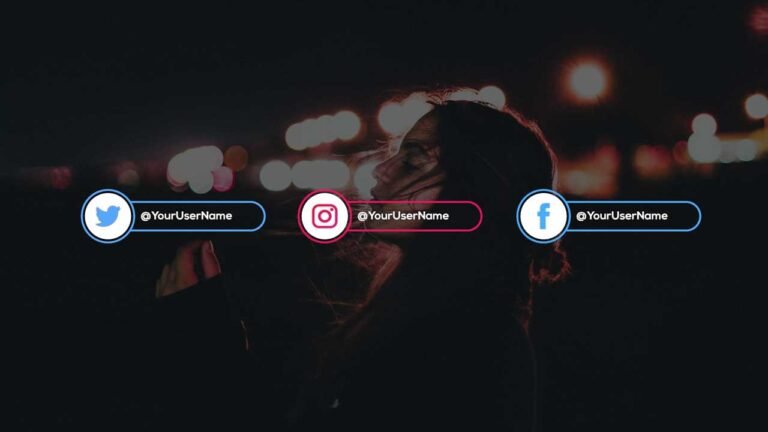
Free Social Media Lower Thirds Adobe Premiere Pro Motion Graphics Templates.

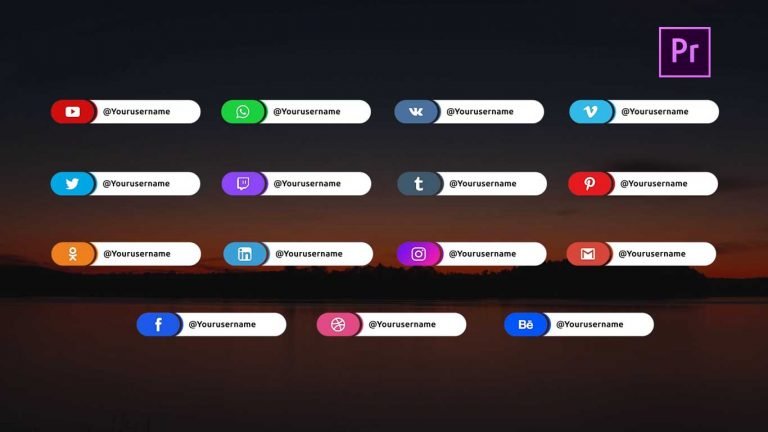
Free Social media lower third is a pack of clean and creative lower thirds Premiere pro templates. It includes the most popular social media platform such as; Facebook, Twitter, Instagram, Dribble, Whatsapp, YouTube, and many more. These templates are fully customizable. You can change the font, text size, color, position, scale directly in premiere Pro. There is no need for After Effects.

How to edit Social Media lower third templates in Adobe Premiere Pro:

  • Download social media lower thirds zip file from the link given below.
  • Unzip the file using “WinZip”, or any other software you have.
  • In Premiere Pro, go to the Essential Graphics panel.
  • Import all templates by clicking on the small plus icon, which is given on the bottom right side of the panel.
  • place the required template to the sequence and edit it.
  • I have already made a video on how to edit these templates. You will find the YouTube video link below.

Requirements:

  • Adobe Premiere Pro CC 2018.1 or above versions.
  • Nexa font.

Features:

  • Supports all resolutions.
  • Super easy to use.
  • No need for After Effects.
  • Drag and drop.
  • Easy to change text/color/font/position/scale.
  • Fast render.
  • Used free font.
  • Added separate template for Premiere Pro 2018 and 2019.
  • Font Changing feature in 2019 version templates.

Tutorial:

How to download:

You can download the template from the link given. Click on it and you will redirect to Google Drive or Mediafire. You can easily download it from there.
20 Free Cinematic Color Grading LUTS For Adobe Premiere Pro CC

0

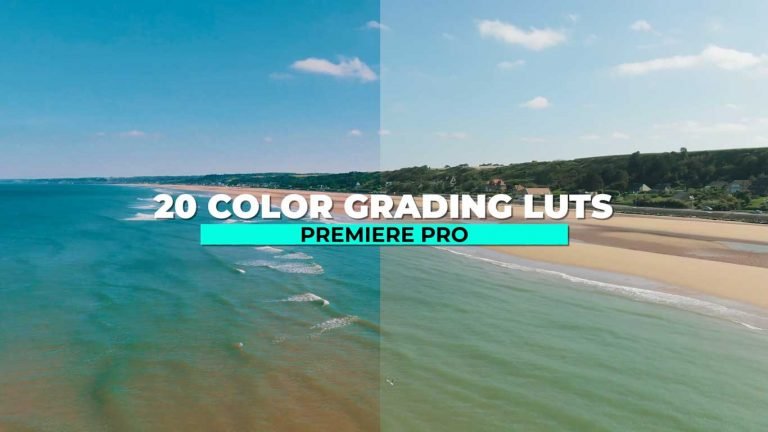
If you want to make the look of your footage stand out through color grading Luts than 20 free Cinematic Color grading Luts Presets is an awesome pack for you. This pack contains 20 .cube file. Give your footage a modern and cinematic look using these Luts.

What are Luts?

Luts stands for look up tables. These are Presets which serve as a just starting point to color grade your footage or image, just in a few clicks.

How to use Color Grading Luts Presets in Adobe Premiere Pro?

  • Download the zip file from the link given below.
  • Extract the zip file using “WINZIP”, “WINRAR” or any other software you have.
  • Copy all extracted cube files and go to the location where you installed premiere pro.
  • Go to the Lumetri folder.
  • Find the Creative folder.
  • Paste All luts to the creative folder.

Requirements:

  • Premiere Pro CC.

Features:

  • Simple to use.
  • Drag and drop.
  • No Plugins required.
  • Supports all resolution.
  • Video tutorial.

This Pack Includes:

  • 20 .cube LUTs files.
  • Cinematic look.
  • Fashion look.
  • Vintage look.

Tutorial Video:

How to Download:

You can download the file from the link given. Click on it and you will redirect to Google Drive or Mediafire. You can easily download it from there.
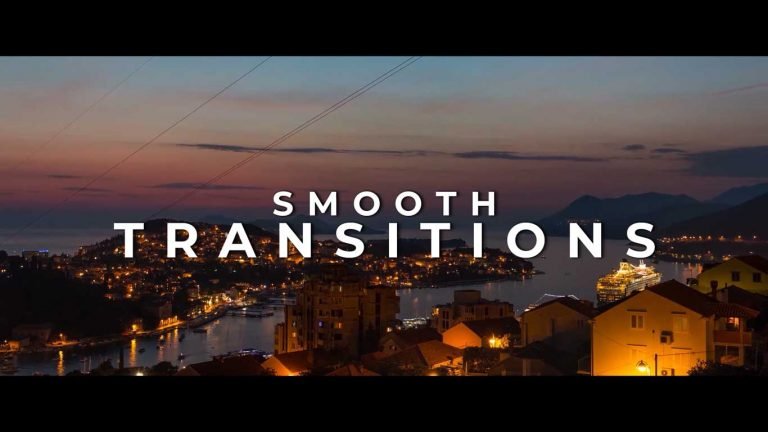
Free Social Media Lower Thirds Template for Adobe Premiere Pro.

Social Media Lower Thirds is a modern, clean and elegant Adobe Premiere Pro Motion Graphics Templates. These templates are well organized and added all-important controllers to change color, font, position, and scale. Give your videos premium look by adding these lower thirds. Remind your audience to follow you on social media Platforms.

How to edit these lower thirds in Adobe Premiere Pro.

I have already made a video on how to edit these templates. You will find the YouTube video link below. Download the template from the link given below.

Requirements:

  • Adobe Premiere Pro CC 2018 or above versions.
  • Ubuntu font.

Features:

  • Supports all resolutions.
  • Super easy to use.
  • No need for After Effects.
  • Drag and drop.
  • Easy to change text/color/font/position/scale.
  • Fast render.
  • used free font.
  • Added separate template for Premiere Pro 2018 and 2019.
  • Font Changing feature in 2019 version templates.

Tutorial:

How to download:

You can download the template from the link given. Click on it and you will redirect to Google Drive or Mediafire. You can easily download it from there.
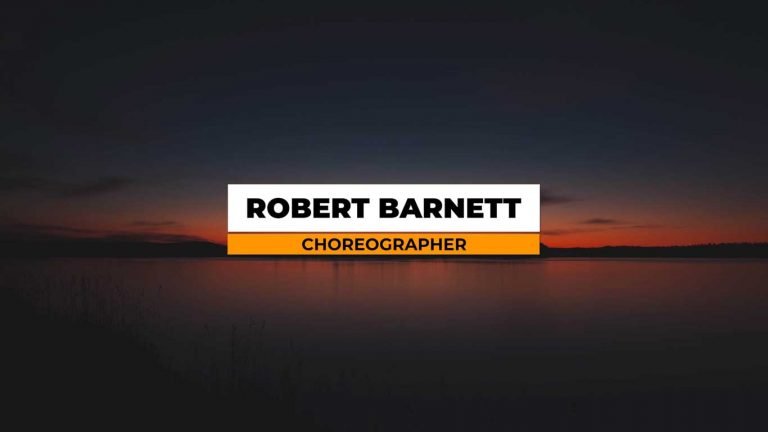
25 Free Smooth Transitions Presets Pack for Adobe Premiere Pro.

25 Smooth Transitions pack is a collection of beautiful and seamless transitions presets. This pack consists of 10 different style transitions like pan, blur, glow, spin, glitch, roll, etc. These Presets will work with any resolution(HD, FullHD, UltraHD, 4K).

How to use these transitions Presets in Adobe Premiere Pro.

I have already made a video on how to use these transitions Presets. You will find the YouTube video link below. Download the zip file from the link given below.

Requirements:

  • Premiere Pro CC 2015 and Above.

Features:

  • Simple to use.
  • Drag and drop.
  • No Plugins required.
  • Supports all resolution.
  • Video tutorial.
  • Work with all media.

Transitions Included:

  • Whip Pan Transitions.
  • Spin Transitions.
  • Glow and Blur Transitions.
  • Zoom Transitions.
  • Blur Transitions.
  • Distorted Roll Transitions.

Tutorial Video:

How to Download:

You can download the file from the link given. Click on it and you will redirect to Google Drive or Mediafire. You can easily download it from there.

10 Free Lower Thirds Template for Adobe Premiere Pro.

10 Free Lower thirds is a modern, clean and elegant Adobe Premiere Pro Motion Graphics Templates. These templates are well organized and added all-important controllers to change color, font, position, and scale. Give your videos premium look by adding these lower thirds.

How to edit these lower thirds in Adobe Premiere Pro.

I have already made a video on how to edit these templates. You will find the YouTube video link below. Download the template from the link given below.

Requirements:

  • Adobe Premiere Pro CC 2018 or above versions.
  • Montserrat font.

Features:

  • Supports all resolutions.
  • Super easy to use.
  • No need of After Effects.
  • Drag and drop.
  • Easy to change text/color/font/position/scale.
  • Fast render.
  • used free font.
  • Added separate template for Premiere Pro 2018 and 2019.
  • Font Changing feature in 2019 version templates.

Tutorial:

How to download:

You can download the template from the link given. Click on it and you will redirect to Google Drive or Mediafire. You can easily download it from there.
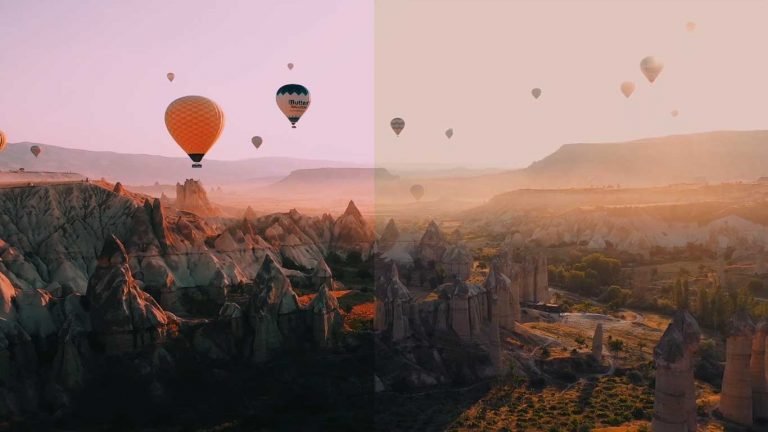
10 Free Adobe Premiere Pro Ink Matte Transitions.

This Pack contains 10 modern and elegant Ink Matte transitions for Adobe Premiere Pro and other video editing softwares. These Transitions are 4K compatible. Simply Drag and Drop Ink matte footage to the timeline and use Luma matte to reveal your footage.

How to use Ink Matte transitions in Adobe Premiere Pro.

I have already made a video on how to use these transitions. You will find the YouTube video link below. Download the zip file from the link given below.

Requirements:

  • Premiere Pro CS6 or above.

Features:

  • Simple to use.
  • Drag and drop.
  • No Plugins required.
  • 4K Compatible.
  • Video tutorial.

Tutorial Video:

How to Download:

You can download the file from the link given. Click on it and you will redirect to Google Drive or Mediafire. You can easily download it from there.
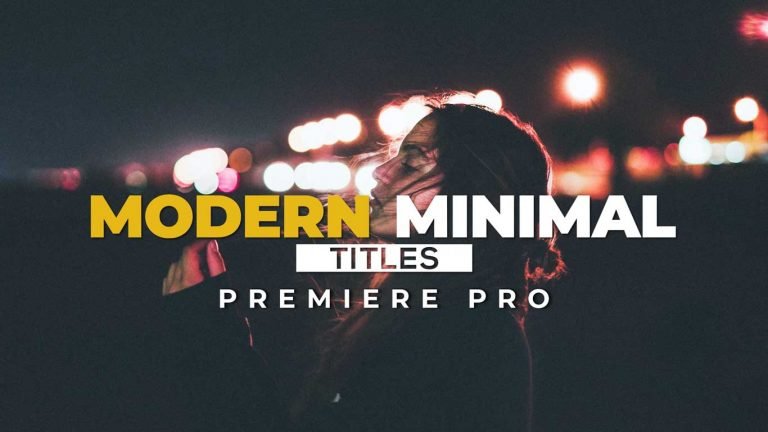
15 Cinematic Color Grading LUTS For Adobe Premiere Pro

15 free Cinematic Luts Presets is an awesome pack that will allow you to color grade any footage. This pack contains 15 .cube file. Give your footage a modern and cinematic look using these Luts.

How to use Color Grading Luts Presets in Adobe Premiere Pro.

I have already made a video on how to use these Luts Presets. You will find the YouTube video link below. Download the zip file from the link given below.

Requirements:

  • Premiere Pro CC 2015 and Above.

Features:

  • Simple to use.
  • Drag and drop.
  • No Plugins required.
  • Supports all resolution.
  • Video tutorial.

Tutorial Video:

How to Download:

You can download the file from the link given. Click on it and you will redirect to Google Drive or Mediafire. You can easily download it from there.
10 Modern and Clean Title Templates for Adobe Premiere Pro.

10 Modern and clean title pack is a collection of 10 smooth looking and stylishly animated title animations. A fast and easy way to enhance the look of your intros, Slideshows, and Youtube videos. Impress your audience with this modern and clean Premiere Pro title templates.

How to edit Title template in Adobe Premiere Pro.

I have already made a video on how to edit these templates. You will find the YouTube video link below. Download the template from the link given below.

Requirements:

  • Premiere Pro CC2018 or above version.
  • Nexa and Montserrat font.

Features:

  • Super easy to use.
  • No Plugin required.
  • Supports all resolutions.
  • No Need of After Effects
  • Drag and drop.
  • easy to customize text/fonts/color/position/scale.
  • Fast render.
  • Free font used.
  • Font change feature(In version 2019 templates).

Tutorial Video:

How to Download:

You can download the template from the link given. Click on it and you will redirect to Google Drive or Mediafire. You can easily download it from there.
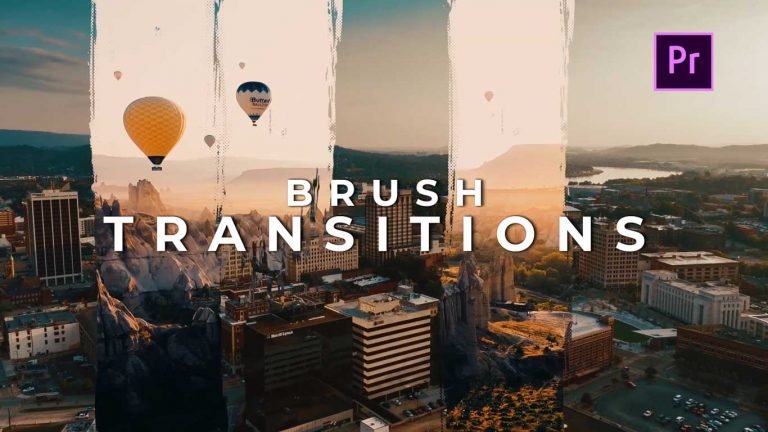
10 FREE Brush Transitions Pack for Adobe Premiere Pro

Here are 10 free Brush transitions for Adobe Premiere Pro. Download these awesome brush transitions and use them in your project.

How to use these Brush Transitions in Adobe Premiere Pro.

I have already made a video on how to use these premiere Pro Transitions. You will find the YouTube video link below. Download transitions Pack from the link given below.

Requirements:

  • Premiere Pro CS6 and Above.

Features:

  • Drag and Drop.
  • Works with any type of media.
  • Supports all resolutions
  • Easy to use.

Transitions Included:

  1. Left and right.
  2. Top and Bottom.
  3. Circle.
  4. Random.

Tutorial Video:

How to Download:

You can download the Pack from the link given. Click on it and you will redirect to Google Drive or Mediafire. You can easily download it from there.

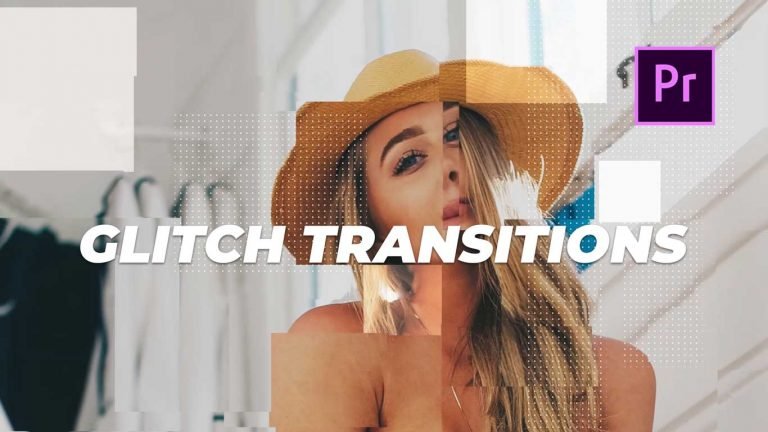
25 FREE Glitch Transitions Preset Pack for Adobe Premiere Pro.

Here are 25 free Glitch transitions presets for Adobe Premiere Pro. Download these awesome glitch transitions and use them in your project.

How to use these Glitch Transitions in Adobe Premiere Pro.

I have already made a video on how to use these premiere Pro Transitions. You will find the YouTube video link below. Download the Pack from the link given below.

Requirements:

  • Premiere Pro CC 2015 and Above.

Features:

  • Drag and Drop.
  • Works with any type of media.
  • Supports all resolutions
  • Easy to use.

Transitions Included:

  1. Displacement Glitch transitions
  2. Blur Glitch Transitions
  3. Offset Glitch Transitions
  4. RGB Glitch transitions

Tutorial Video:

How to Download:

You can download the preset from the link given. Click on it and you will redirect to Google Drive or Mediafire. You can easily download it from there.