Home Blog Page 14

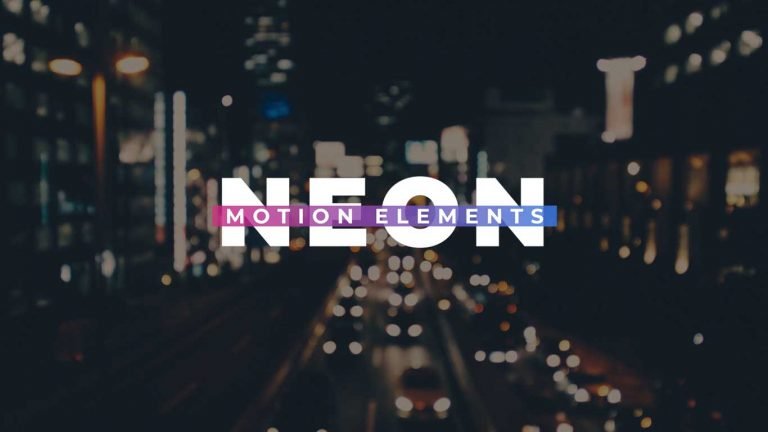
10 Neon Motion Elements for Adobe Premiere Pro.

Here are 10 cool looking Neon Motion Elements MOGRT(Motion Graphics Template) for Adobe Premiere pro. Enjoy this creatively animated template which includes 10 different shape neon Motion Elements.

How to use Neon Elements in Adobe Premiere Pro.

I have already made a video on how to use these Neon Elements. You will find the YouTube video link below. Download the zip file from link given below and extract.

Requirements:

  • Premiere Pro CC 2018 and Above.

Features:

  • Unique 4K Neon Elements
  • No Plugins Required
  • Drag and Drop.
  • Color Control.

Tutorial Video:

How to Download:

You can download the template from the link given. Click on it and you will redirect to Google Drive or Mediafire. You can easily download it from there.
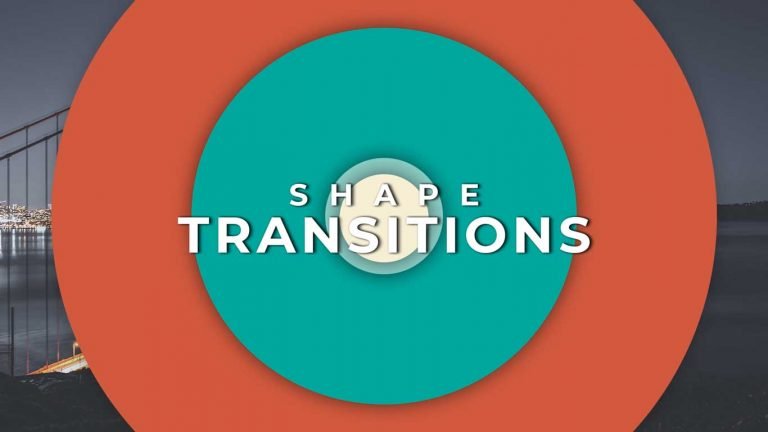

10 Free Shape Transitions Templates for Adobe Premiere Pro.

This Pack contains 10 modern and unique design animated templates (Mogrt) for Adobe Premiere Pro. They can be easily imported through Essential Graphics panel. They are super easy to use. You can use them for your slideshows, Intros, and Event videos.

How to edit Shape Transitions templates in Adobe Premiere Pro.

I have already made a video on how to use these shape Transitions. You will find the YouTube video link below. Download transitions from the link given below.

Requirements:

  • Premiere Pro CC2018 and Above.

Features:

  • 4K compatible.
  • Drag and Drop.
  • No plugins required.
  • No need to install After Effects.

Tutorial Video:

How to Download:

You can download the pack from the link given. Click on it and you will redirect to Google Drive or Mediafire. You can easily download it from there.

30 Cinematic Color Grading Luts Presets Pack for Adobe Premiere Pro.

This Pack Contains 30 Cinematic LUTS presets that will allow you to create a modern and elegant look to your footage. These presets are easy to use. Just drag and drop to any footage and done.

How to use Color Grading Luts Presets in Adobe Premiere Pro.

I have already made a video on how to use these Luts Presets. You will find the YouTube video link below. Download the file from the link given below.

Requirements:

  • Premiere Pro CS6 and Above.

Features:

  • Easy to use.
  • Support all resolutions.
  • Import Easily.
  • No Plugins required.
  • Tutorial included.
  • Drag and drop.

Tutorial Video:

How to Download:

You can download the preset pack from the link given. Click on it and you will redirect to Google Drive or Mediafire. You can easily download it from there

Free Glitch Title Intro Template for Adobe Premiere Pro.

Glitch Title Intro is a stunning motion graphics template with stylish looking title reveal. You can use it as an opener to your film, trailer, teaser. It contains 1 title and 1 subtitle holder. Impress your audience with this amazing glitch intro template.

How to use Glitch title Intro Template in Adobe Premiere Pro.

I have already made a video on how to use this Glitch Title Intro template. You will find the YouTube video link below. Download the zip file from description and extract. I have Included Both version template 2018 and 2019. Version 2019 template will work on Premiere Pro 2019 and the above versions.

Requirements:

  • Premiere Pro CC 2018 and Above.
  • Font Changing Feature available in 2019 version Template.
  • Montserrat font

Features:

  • FullHD resolution.
  • Super easy to use.
  • No plugins required.
  • Drag and drop.
  • Easily change color, font, scale.

Tutorial Video

How to download:

You can download the template from the link given. Click on it and you will redirect to Google Drive or Mediafire. You can easily download it from there.
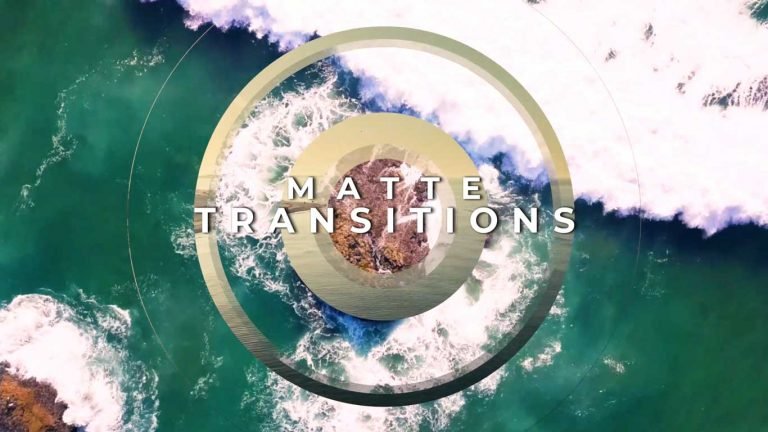
10 Free Matte Overlays Transitions for Adobe Premiere Pro.

This pack contains 10 dynamic Matte overlay transitions. These are pre-rendered 4K clips. Just Drag and Drop over your clips and use them as luma matte or Luma inverted Matte.

How to use these matte transitions in Adobe Premiere Pro.

I have already made a video on how to use these Matte overlay transitions. You will find the YouTube video link below. These Matte Transitions are 4K (3840 x 2160) compatible but It can also be used on other resolutions. Simply scale the overlay footage.

Requirements:

  • Premiere Pro CS6 or Above version.
  • Also works with other video editing software.

Features:

  • Super easy to use.
  • Supports almost every video editing software.
  • 4K Compatible.
  • Drag and Drop.

Tutorial Video:

10 Free matte Overlays Transitions for Adobe Premiere Pro.

How to Download:

You can download the transitions from the link given. Click on it and you will redirect to Google Drive or Mediafire. You can easily download it from there.